Routing
How a message gets from where it enters MicroB2B to where it leaves: parties, plugin instances, routes, and what the file and HTTP plugins do with a message. The AS2 side is described in the AS2 configuration guide; the REST calls in the API reference.
Parties and protocol profiles
Routing works with logical names, never with protocol addresses.
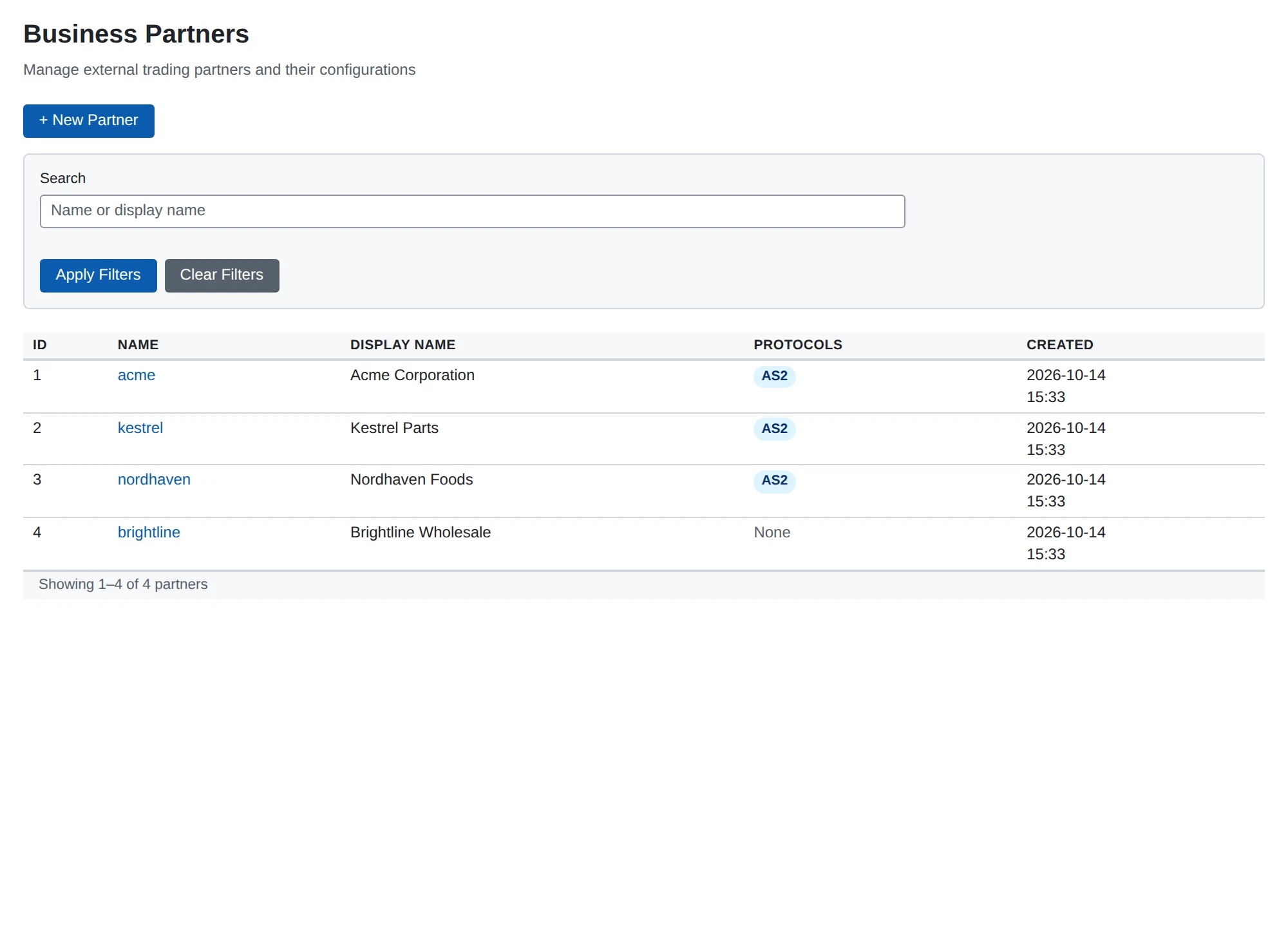
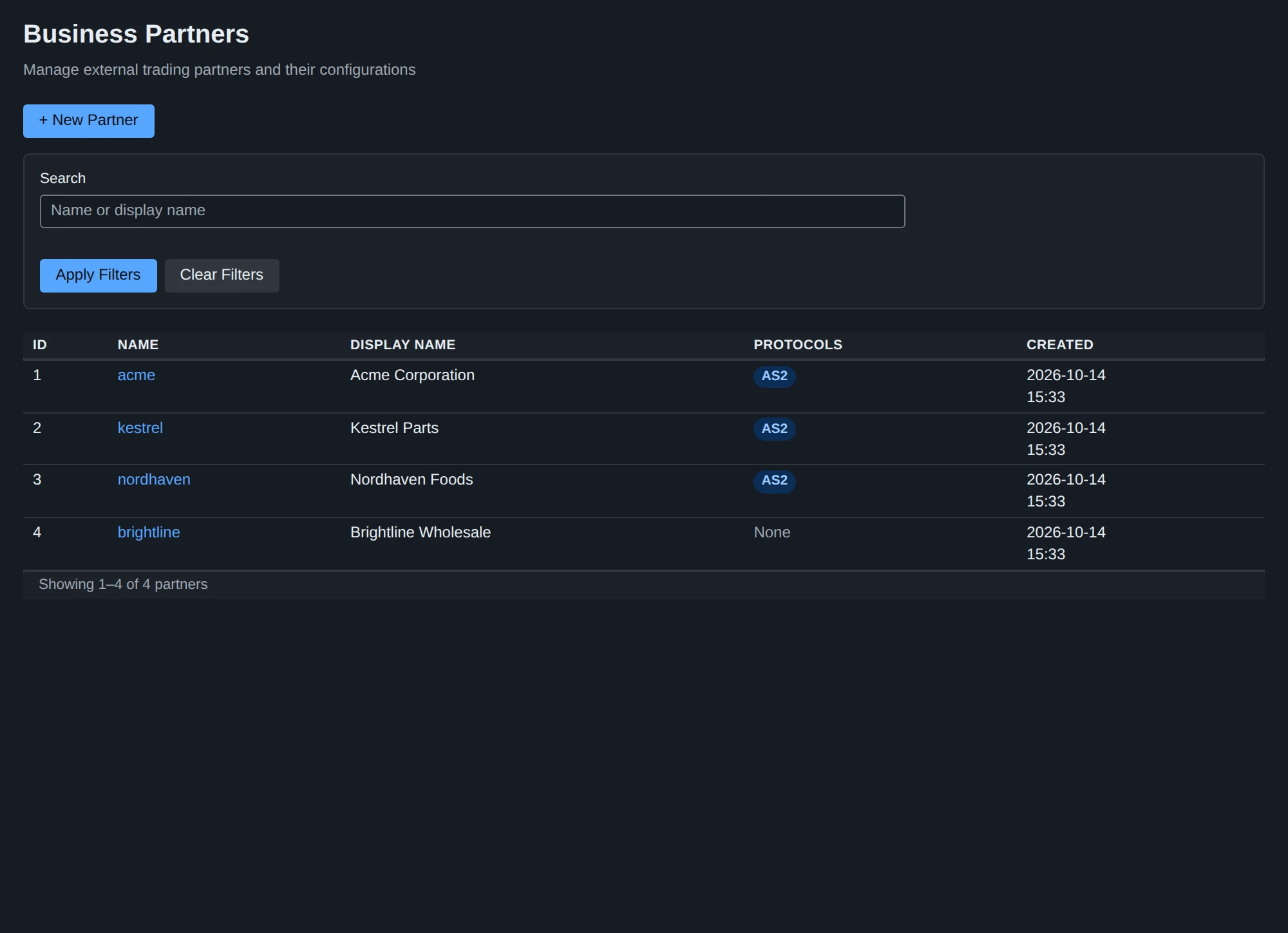
- An organization is a party on our side, a business partner one on the other side. Each has a
name(1 to 64 lower case letters, digits,_and-, compared as such) that routes, plugin configurations and messages refer to it by, and a display name. - A protocol module adds its own profile to a party: an AS2 profile maps an organization or a partner to its AS2 ID, certificates and endpoint. A party has at most one profile per protocol.
- A protocol plugin translates at the edge. The AS2 receiver looks up the profiles of the
AS2-ToandAS2-FromIDs and creates a message from partneracmeto organizationmycompany; the AS2 sender looks up the profiles of the message’sfromandtonames to build the AS2 headers. Everything in between sees only the names.
Plugin instances
Every component that handles messages is a named plugin instance of a plugin type. Instances are configured in the web UI (the Plugins section of the navigation) or through /api/v1/plugins/configs and can be disabled without being deleted.
| Type | Role in a route | What it does |
|---|---|---|
as2-receiver | source | Listens for AS2 messages on its own bind address, port and path, and answers with an MDN |
as2-sender | target | Sends messages to the partner’s AS2 endpoint |
file-poller | source | Picks up files below a directory |
file-writer | target | Writes messages to files below a directory |
http-poster | target | POSTs messages to an HTTP(S) URL |
notification-webhook | - | Listens for alerts, not messages: posts them to a webhook (see Notifications) |
certificate-monitor | - | Singleton: logs and counts expired and expiring certificates |
apiserver | - | Singleton: the REST API and the web UI |
An instance name is 1 to 64 lower case letters, digits, _ and - (poller_inbox, sender_main) and is unique across all plugin types: routes, messages and deliveries name an instance by its name alone. A fresh database has no instances, organizations, partners or routes: everything is created by the operator (or loaded from a fixture file with --fixtures in development).
When changes take effect. The plugin manager discovers the enabled instances and starts them when the process starts, so a new or changed instance configuration takes effect when the process (or the instance, on System > Services) restarts. A route needs no restart: routing is decided when a message is dispatched, from the route table, and a route you save applies to the next message dispatched (a message already dispatched keeps the deliveries it has). Until an instance is started the dashboard and GET /api/v1/stats show a new instance as Enabled rather than Running.
Routes
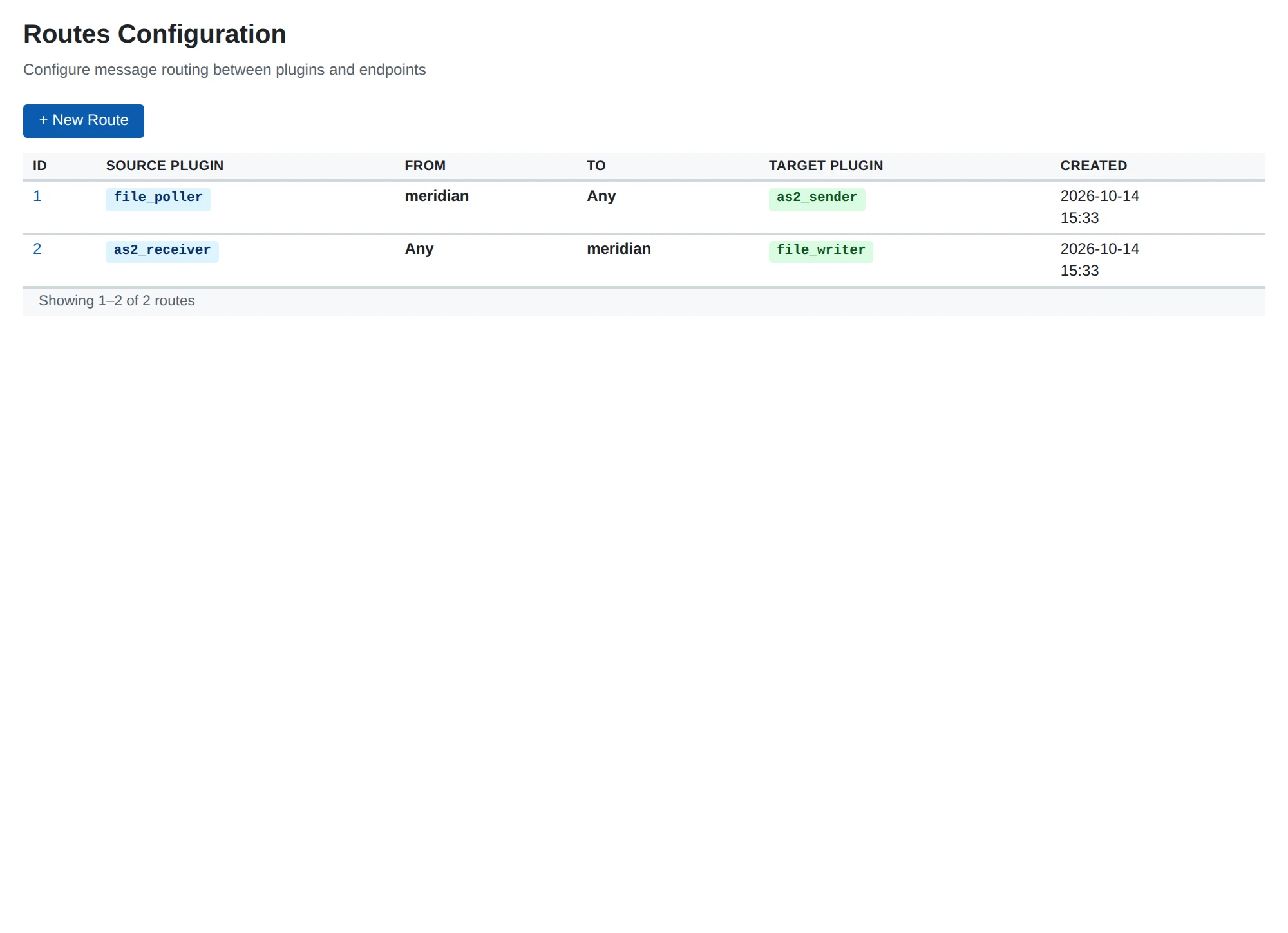
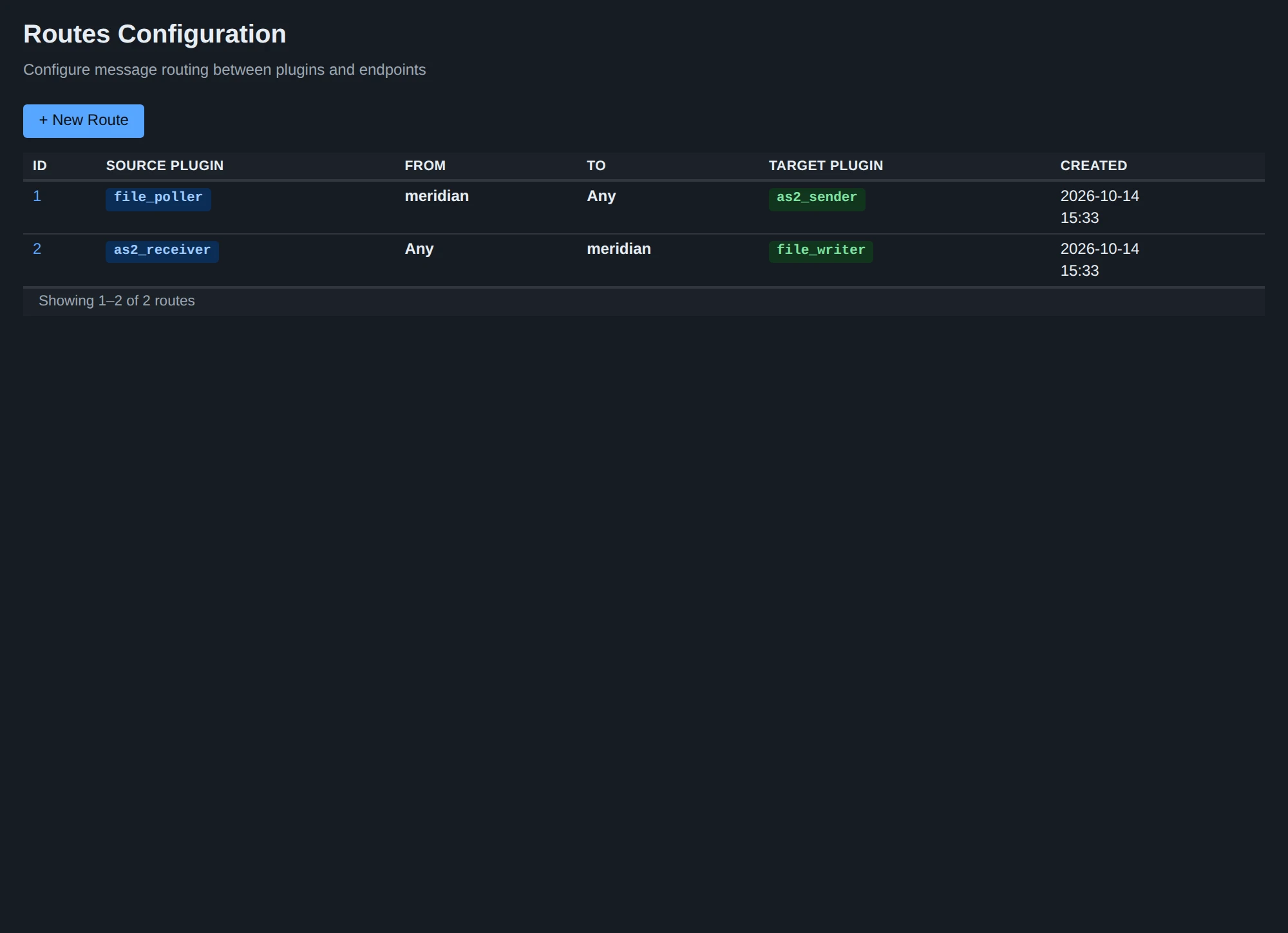
A route connects a source instance to a target instance for messages between two parties:
| Field | JSON | Meaning |
|---|---|---|
| Source Plugin | source_plugin | An enabled instance that receives or creates messages (AS2 receiver, file poller) |
| From | from | The sending organization or partner, or * (Any) |
| To | to | The receiving organization or partner, or * (Any) |
| Target Plugin | target_plugin | An enabled instance that handles and delivers messages (AS2 sender, file writer, HTTP poster) |
The web form and the REST API apply the same rules: both instances must exist, be enabled and be able to start or end a route, and from and to must name an existing party or be *.
Fan-out and redundant routes
Several routes may match one message, and each target gets it once: a route from the same source to an AS2 sender and another to a file writer sends the message and keeps a copy. Routes to different targets may overlap freely, and overlapping routes to the same target still make one delivery.
Two routes with the same source and target where one covers the other (mycompany → acme and Any → Any, for example) are refused when the second is saved, naming the route in the way, because the two would say the same thing twice.
Dispatch and deliveries
The database decides where a message goes, once, and keeps the record of how far each target has come. NATS only taps a target on the shoulder.
- Dispatch. A source stores a message and dispatches it: the persistence compares the message’s source instance,
fromandtowith the routes (*matches any name) and creates one delivery for each distinct target instance of the matching routes, in the same transaction that stores the message (the file poller) or in a second one the source controls (the AS2 receiver, which unpacks and verifies first; a message is accepted for the partner exactly when its dispatch has committed). The routes are read from a cache that a saved route clears at once, so a route applies to the next message dispatched without any restart; a message already dispatched keeps its deliveries. For example:- a route
poller_inbox, Any →acme,sender_maindelivers every message the poller makes foracme, whoever sends it; - a route
receiver_main, Any → Any,writer_inboxwrites everything the receiver accepts.
- a route
- Wake-up. After the dispatch commits, each target is woken on the bus subject
delivery.<target instance>. The wake-up carries only the delivery’s identity and may be lost; instance names are therefore unique across plugin types (saving an instance whose name another plugin type holds is refused). - Claim. The target claims the delivery in the database before it works on it, with a lease: of any number of claimants exactly one wins, so a delivery is worked on by one target process at a time. A target runs up to its Max Concurrent Deliveries at once; the rest wait for a slot.
- Outcome. The attempt ends in one of four ways, recorded on the delivery: delivered; retrying at a stated time (a failure another attempt may mend: a connection error, a 5xx answer, storage briefly unavailable); awaiting receipt (an AS2 message sent where the partner promised an asynchronous receipt); failed (a failure that cannot mend, or the attempts are used up). Retries are rows in the database with a due time, so they survive a restart; nothing is held in memory.
- Receipt. A delivery awaiting a receipt is settled by the partner’s asynchronous MDN: confirmed, it is delivered; refused or negative, it fails. If the receipt has not arrived within the partner profile’s Receipt Timeout (default 24 hours) the delivery fails with
no receipt within <duration>; a receipt that comes later is refused and logged as unattributable. - Recovery by the sweep. In the process that owns the database a sweep runs every 5 seconds. It wakes deliveries that are due and unclaimed again (after 10 seconds, 30 seconds, 2 minutes and 10 minutes, so a wake-up lost on the bus or a target that was down is recovered), starts the retries that have come due, puts back a delivery whose claimant died or hung past its lease (history
attempt interrupted: lease expired) and fails the receipts that are overdue. A target that is started also takes up the deliveries that are due for it at once. - Stalled. A delivery woken the configured number of times (System > Settings > Delivery, default 5, about 22 minutes and 40 seconds) without any target claiming it is stalled and raises the alert
delivery_stalled: nothing was tried, the target is stopped, disabled or overloaded. Starting the target claims its stalled deliveries.
The message’s status is derived from its deliveries and stored; no plugin sets it. See Message status for the statuses and what to do about each, and Troubleshooting for stalled deliveries.
A message that no route matches is stored, ends as Not routed and raises the alert message_not_routed; it is visible on the Messages page.
Redispatch, redeliver and send again
An operator can act on a message from its page, or through the REST API:
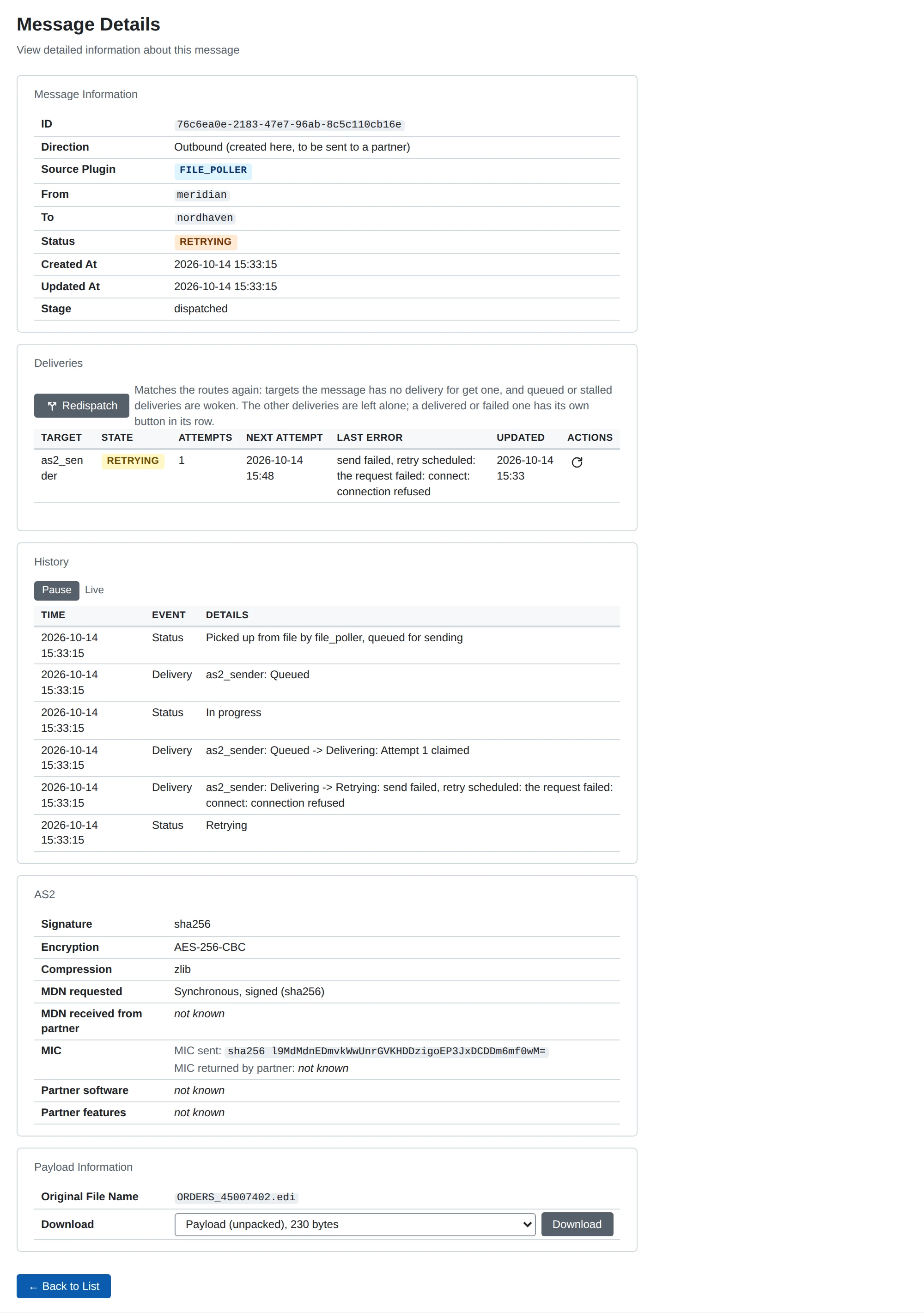
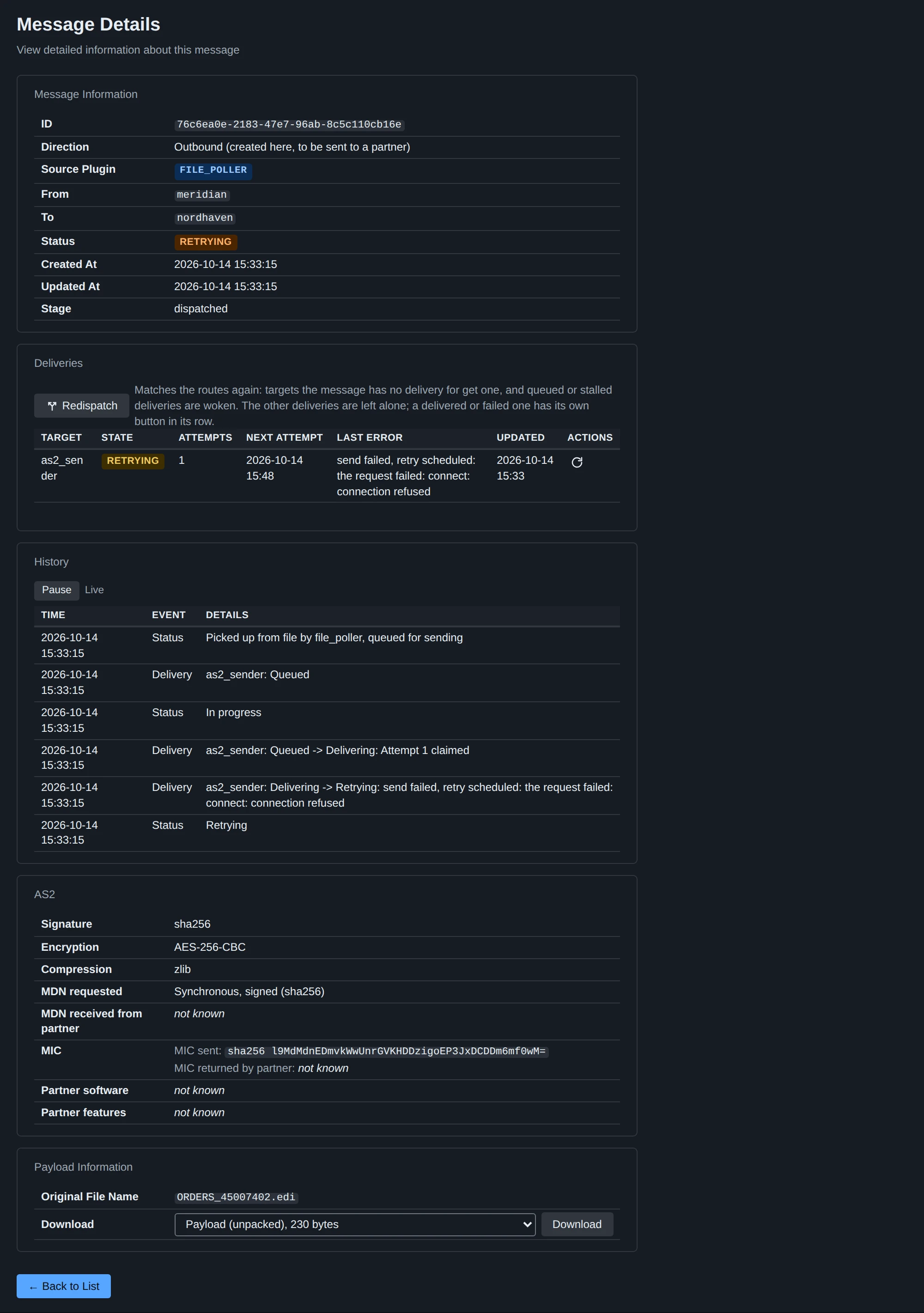
- Redispatch matches the routes again and creates the deliveries the message lacks (this is how a route added later takes effect for a message that was Not routed), and wakes queued and stalled deliveries; deliveries that exist are not duplicated, and delivered, failed and in-progress ones are left as they are. When nothing is new it says so and changes nothing.
- Redeliver sends one failed, stalled or retrying delivery again from the start.
- Send again sends a delivered one again, for an operator who lost the file or the downstream copy. To an AS2 partner it is a repeat of a message with the same AS2 Message-ID.
Sending a message by hand
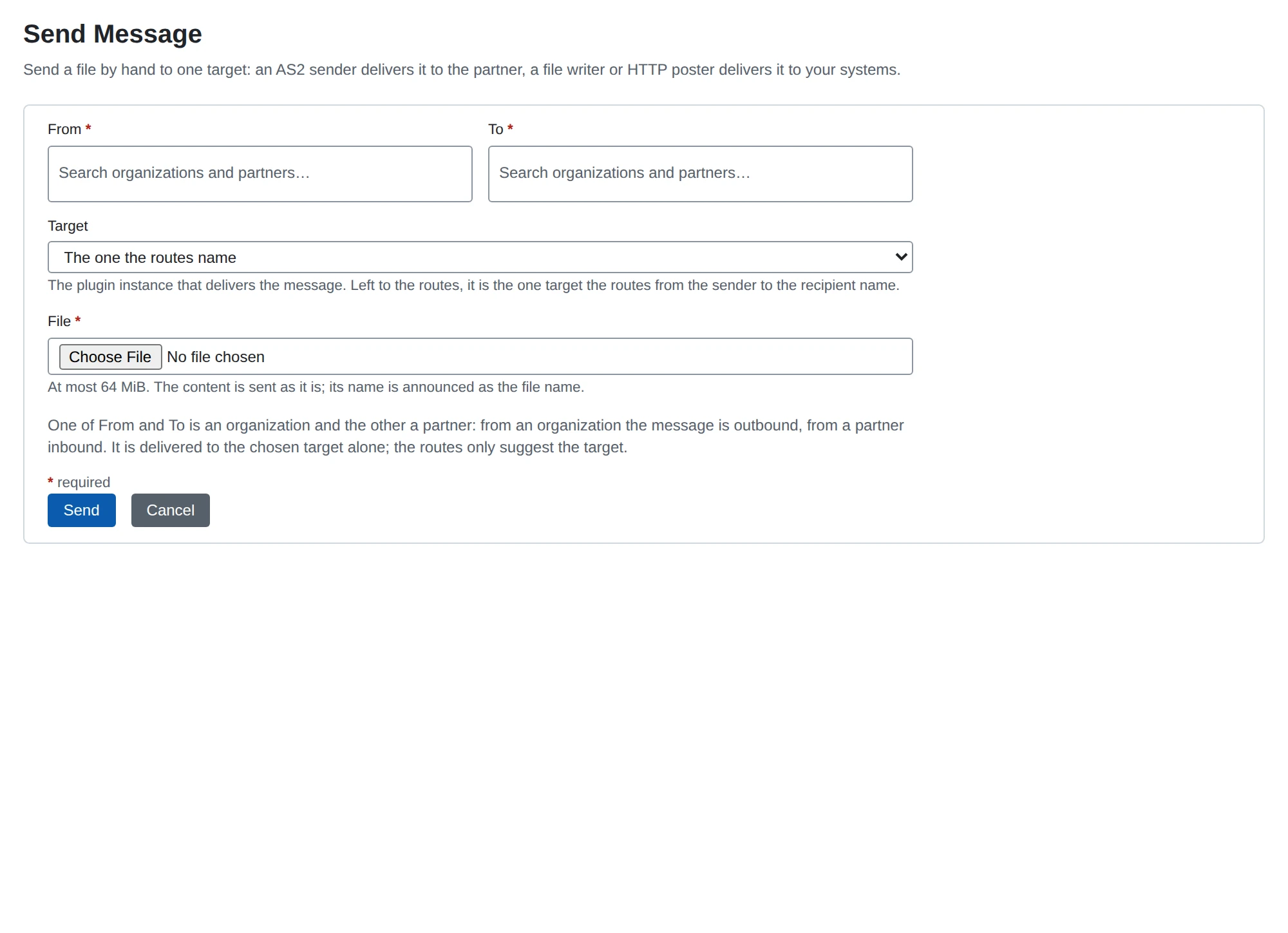
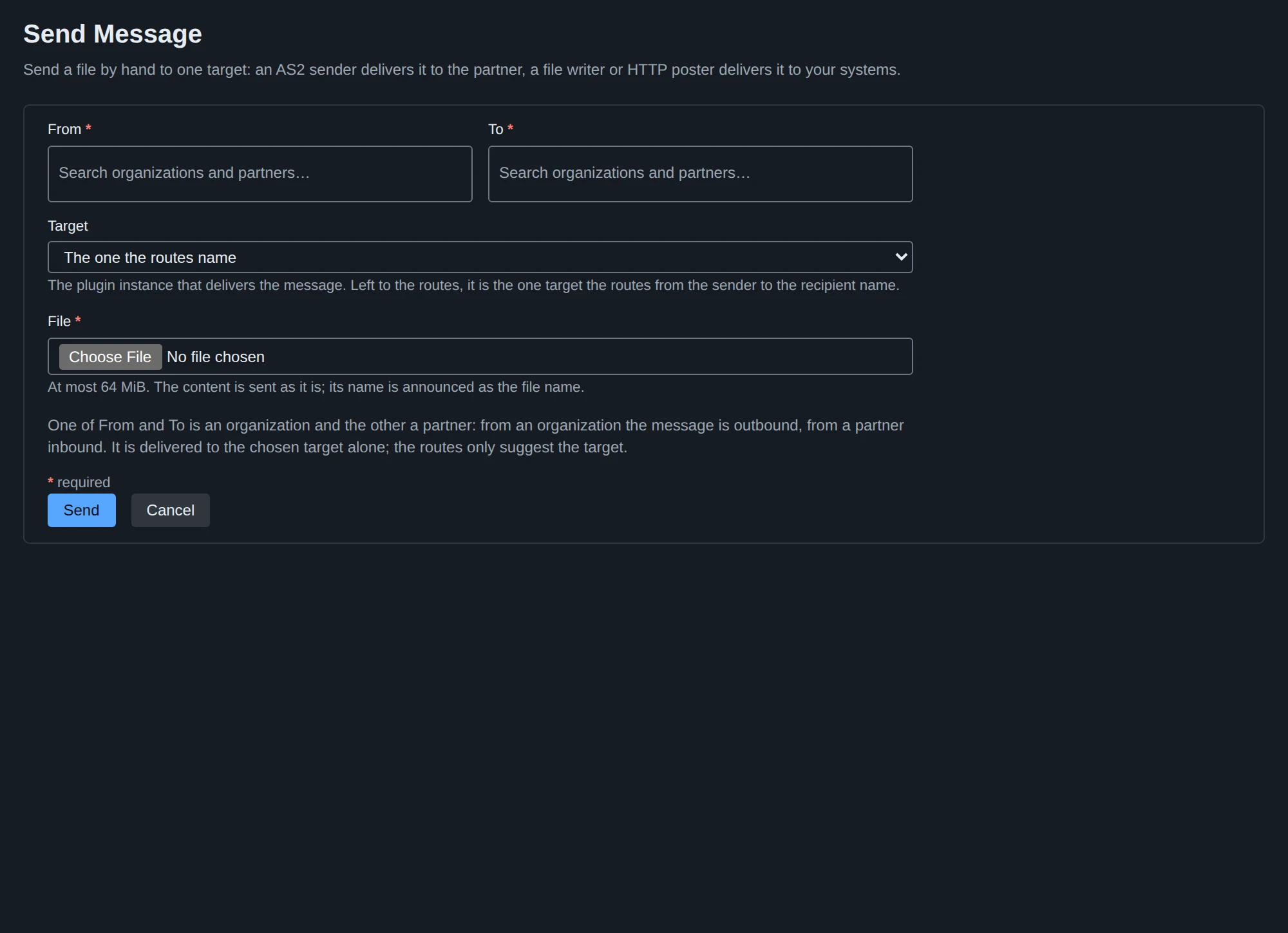
Send Message in the menu below Messages (or POST /api/v1/messages, a multipart/form-data upload) stores a file you choose as a new message and delivers it to one target, without a file poller. You choose who it is from and to (one an organization, the other a partner: from an organization the message is outbound, from a partner inbound) and the target instance: an AS2 sender delivers it to the partner, a file writer or HTTP poster to your own systems. Left to the routes, the target is the one target the routes from the sender to the recipient name, whatever their source; when they name none or several you choose. The file holds at most 64 MiB, its name is the message’s original file name, and its content is sent as it is. Afterwards it is an ordinary message with the source @operator, whose history names who sent it.
Stopping
A process that is stopped (SIGTERM, or Stop on System > Services) first stops its targets from claiming new work, lets the attempts running finish for a few seconds, then cancels what is still running. An interrupted delivery goes back to the queue, or to Retrying when the partner may have received it already; nothing becomes Failed because of a stop, and a sending partner that resends gets the stored receipt for a message it already delivered.
Messages
A message is created by a source and records its source instance, from, to, its direction (inbound from a partner, outbound to be sent to one), the name of the file it came from when known, and a history.
Status. The status (Received, In progress, Retrying, Awaiting receipt, Stalled, Delivered, Not routed, Refused, Error) is derived from the message’s deliveries and stored; no plugin sets it. Troubleshooting lists each status with its meaning and what to do.
Work still to do on our side ranks above waiting for a partner, so a message with one delivery awaiting a receipt and one still queued shows In progress. A delivery that failed for good makes the message Error whatever the others did, and raises the alert message_failed. Refused is the partner’s message turned down on its merits (a repeat or replay, an unknown party, a failed verification, over the size limit) and raises no alert; Error also covers MicroB2B itself failing to take a message in.
History. Every status change and every delivery transition is a line of the message’s history: status_changed, delivery_changed (one per delivery transition, with the target’s text: a file written, an HTTP answer, a retry and why; the status change it causes repeats no text), redispatch_requested and redeliver_requested (naming the operator), mdn_received, mdn_refused and duplicate_received.
Original file name. A message may carry the bare name of the file it came from: the {filename} a poller picked up, or the name an AS2 partner announced. The AS2 sender announces it to the partner (see the AS2 guide) and a file writer can name its output after it.
Payload stages
A message’s content is kept in one or more stages, each recorded with the message when it is stored. The message page and the REST message detail (payloads) list exactly the recorded stages.
| Stage | Label | Content | Recorded by |
|---|---|---|---|
unpacked | Payload (unpacked) | The business payload with every transport layer removed; for a polled file, the file | AS2 receiver, file poller |
message | Whole message as received (headers and body) | headers followed by received; composed, available whenever both are | (composed) |
received | Body as received on the wire | The request body as it arrived, still signed, encrypted or compressed | AS2 receiver |
headers | Headers as received | The request’s header lines (Name: value, CRLF, canonical spelling, Host first, then by name) and the blank line ending them | AS2 receiver |
receipt | Receipt | The receipt exchanged for the message as it traveled (AS2: the MDN, its HTTP header block, a blank line and the body; ours for a message we received, the partner’s for one we sent) | AS2 receiver, sender and MDN callback |
A file writer and an HTTP poster hand on one stage, their Payload Stage (default unpacked; any but receipt, which is recorded after the message was handed on). A message without that stage (a polled file has only unpacked; a message that could not be decrypted has no unpacked) fails at that target, with the reason in its history; no other stage is used instead. On the message page the stage selector downloads any recorded stage (/ui/messages/{id}/payload?stage=<stage>); the REST API serves the same at GET /api/v1/messages/{id}/payload?stage=<stage>.
File poller
A file poller creates base_directory when it starts (if it cannot, the instance ends in state Error and raises plugin_failed) and scans it every polling_interval seconds and makes a message of each file that matches its Path Pattern and File Pattern.
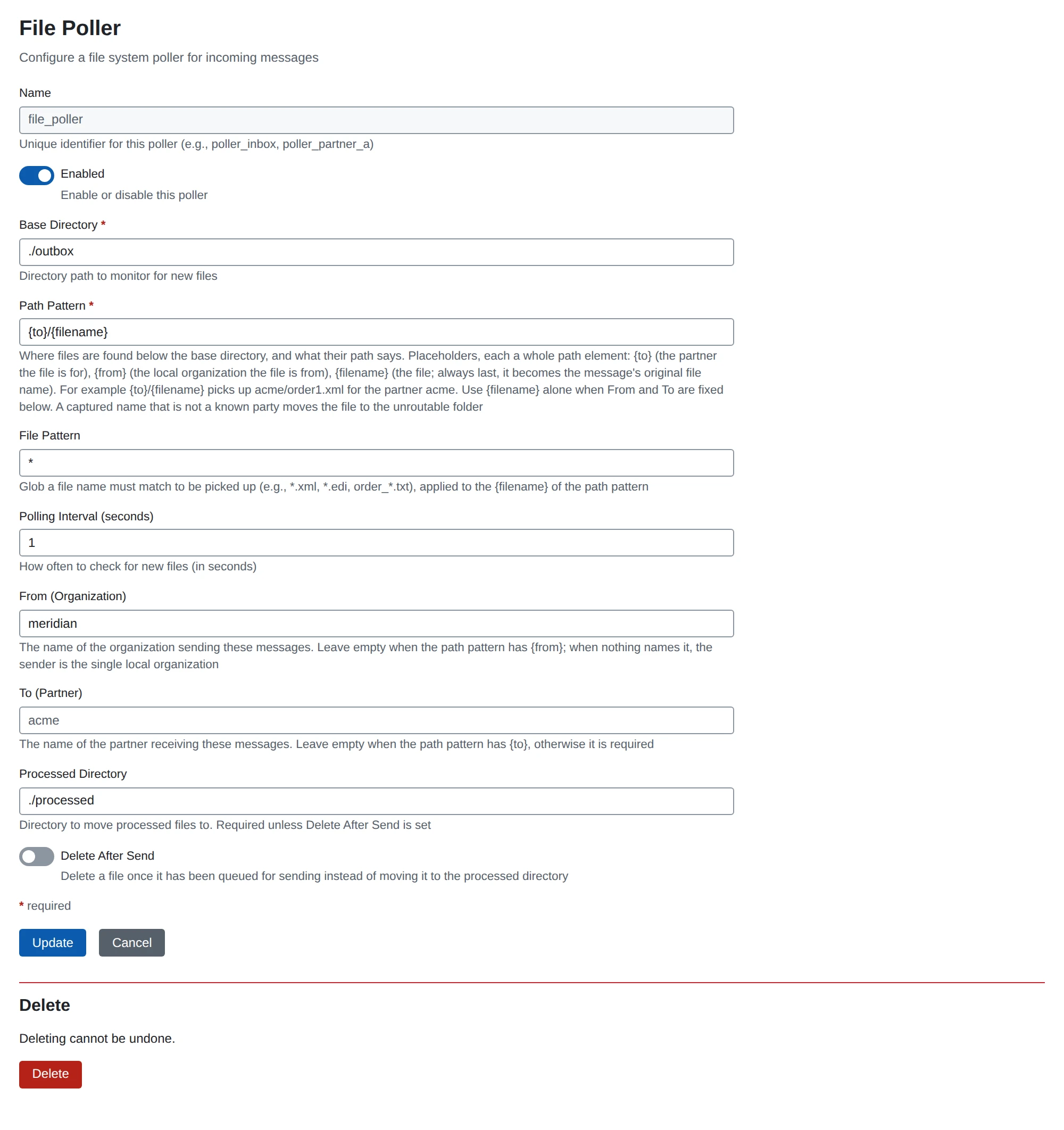
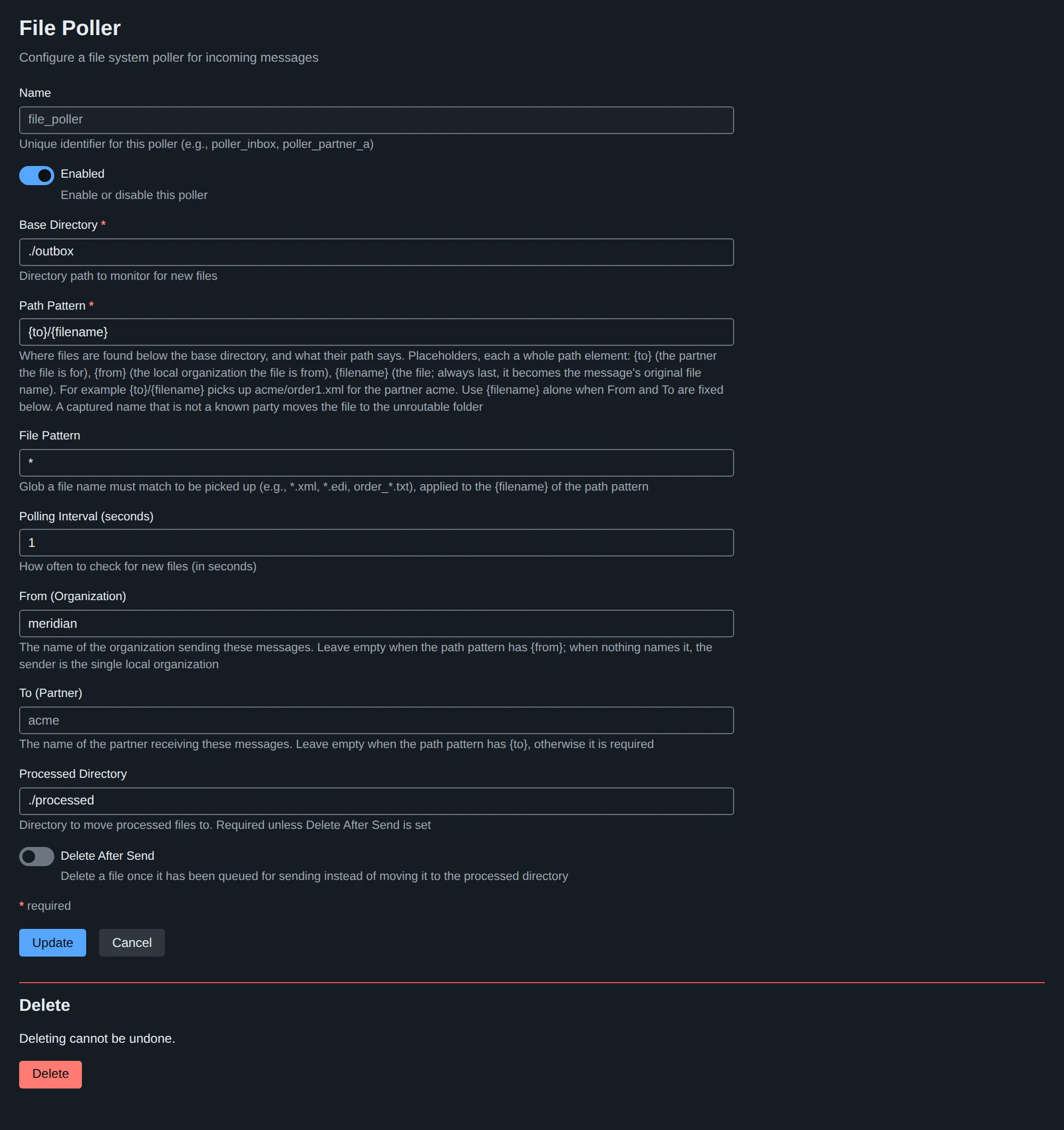
| Field | JSON | Default | Meaning |
|---|---|---|---|
| Base Directory | base_directory | (required) | Directory to scan |
| Path Pattern | path_pattern | {to}/{filename} | Where files are found below the base directory and what their path says (below) |
| File Pattern | file_pattern | *.* | Glob the {filename} must match, such as *.xml |
| Polling Interval (seconds) | polling_interval | 5 | How often to scan, at least 1 |
| From (Organization) | from | (empty) | Fixed sender, when the pattern has no {from} |
| To (Partner) | to | (empty) | Fixed recipient, when the pattern has no {to} |
| Processed Directory | processed_directory | (empty) | Where picked-up files are moved, keeping their relative path |
| Delete After Send | delete_after_send | off | Delete picked-up files instead; exactly one of the two is required |
Path pattern
The pattern is matched against each file’s path relative to the base directory: elements separated by /, each either literal text or one placeholder.
| Placeholder | Captures |
|---|---|
{to} | The name of the business partner the file is for |
{from} | The name of the organization the file is from |
{filename} | The file itself; always the last element, and it becomes the message’s original file name |
{to}/{filename} picks up acme/order1.xml for partner acme; outbox/{from}/{to}/{filename} picks up outbox/hq/acme/order1.xml from hq to acme; {filename} picks up files directly in the base directory, with from and to set on the poller.
- A placeholder is a whole path element (
order_{to}is refused) and occurs at most once. The pattern has at most 6 elements and may not be absolute, hold an empty element,.or.., or start withunroutable. The scan goes exactly as deep as the pattern and never follows symbolic links. tois either fixed on the poller or captured by{to}, never both.fromis fixed, captured, or neither: then the sender is the single organization, looked up at pickup time (with none or several, the file is unroutable).- A captured name is only compared with existing party names, never used as a path:
{to}must be a business partner,{from}an organization. - A file whose captured name is not such a party is unroutable: it is moved to
unroutable/<its relative path>below the base directory, the reason is written next to it as<file>.reason.txt, and no message is made. An existing file there is not replaced; the new one gets a suffix. - A file at a place the pattern does not describe (the wrong depth, say) is left alone and logged once.
File writer
A file writer writes the chosen payload stage of each message it receives to a file below its base directory, as a delivery: the history line says which file (relative to the base directory) was written or why the write failed. A write that cannot succeed (the stage is missing, the name pattern fails, the file exists and Overwrite is off) fails the delivery at once; another failure is retried after 30 seconds, 2 minutes and 10 minutes, and then fails it. A re-attempt that finds the file already holding exactly the payload counts as written.
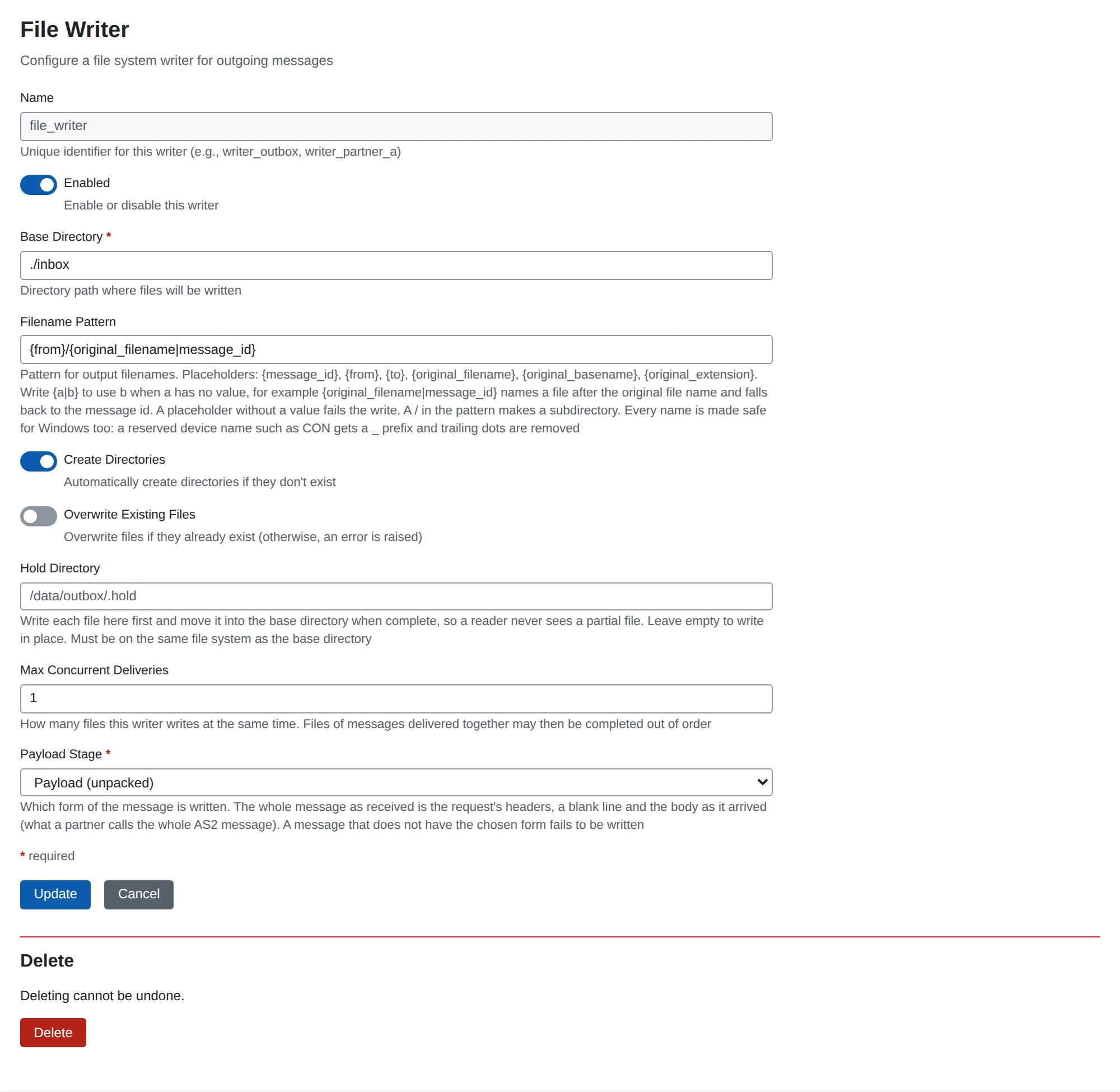
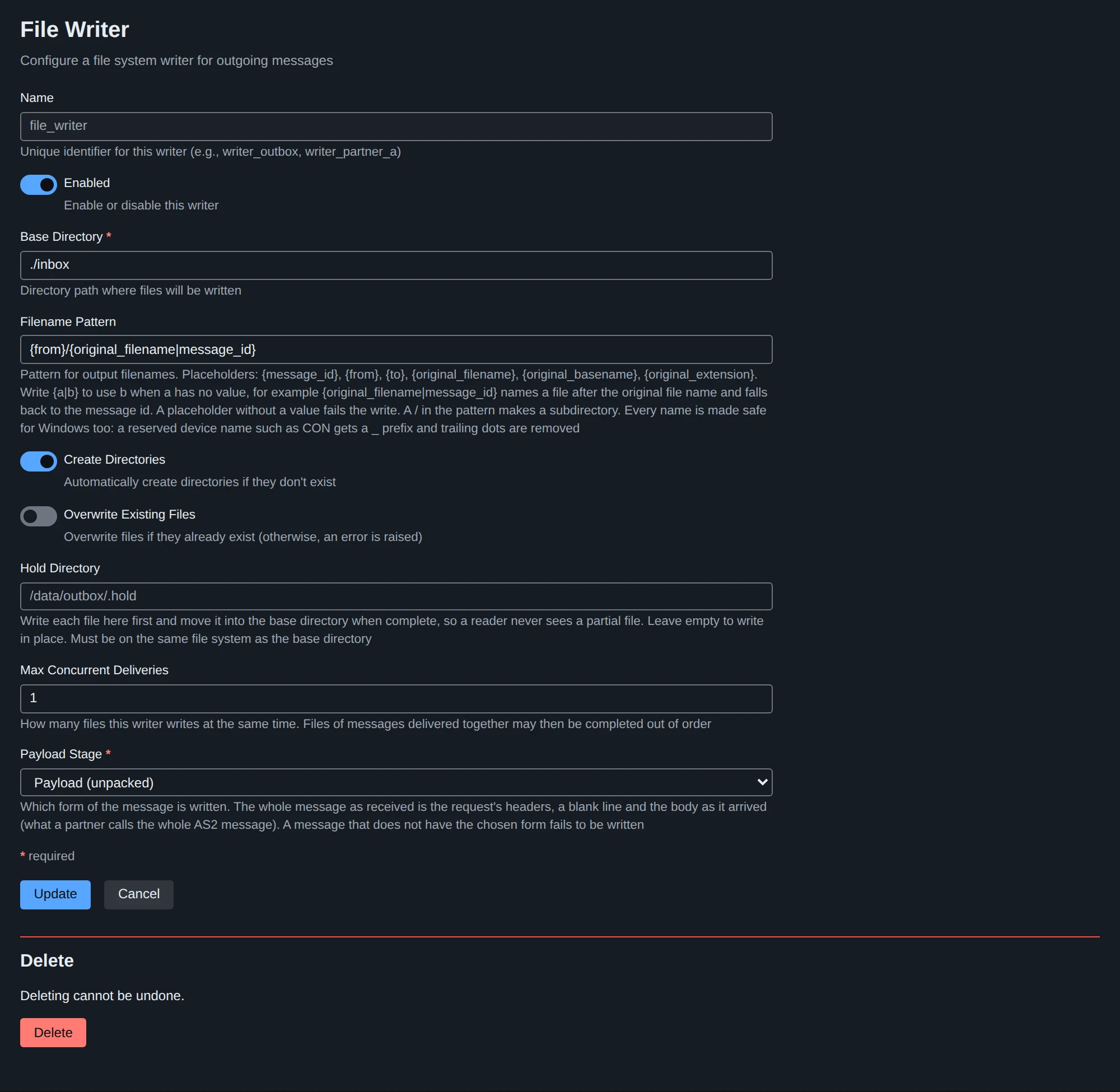
| Field | JSON | Default | Meaning |
|---|---|---|---|
| Base Directory | base_directory | (required) | Directory to write to |
| Filename Pattern | filename_pattern | {message_id}.dat | Name of each file (below) |
| Create Directories | create_dirs | on | Create missing directories |
| Overwrite Existing Files | overwrite | off | Replace an existing file; otherwise the write fails |
| Hold Directory | hold_directory | (empty) | Write here first and move the file into place when complete, so a reader never sees a partial file; same file system as the base directory |
| Payload Stage | payload_stage | unpacked | Which stage is written |
| Max Concurrent Deliveries | max_concurrent_deliveries | 1 | Files written at the same time (1 to 100); with more than one, files may be completed out of order |
Filename pattern
Literal text with placeholders:
| Placeholder | Expands to |
|---|---|
{message_id} | The message ID |
{from}, {to} | The sender’s and the recipient’s name |
{original_filename} | The original file name |
{original_basename} | The original file name without its extension |
{original_extension} | Its extension with the dot; empty when there is none |
{a|b}takes the first alternative that has a value:{original_filename|message_id}uses the original file name and falls back to the message ID.- A placeholder without a value fails the write rather than producing a name like
report_.dat; only{original_extension}may be empty. - A
/in the pattern makes a subdirectory ({to}/{original_filename}). The pattern may not be absolute or hold an empty element or... A value from a message never adds a directory: separators,:, control characters and characters file systems reject become_, and the result must stay below the base directory. - An unknown placeholder is refused when the configuration is saved.
HTTP poster
An HTTP poster POSTs the chosen payload stage of each message to one URL as a delivery; each attempt is a line of the message’s history. A delivery that ends failed makes the message Error.
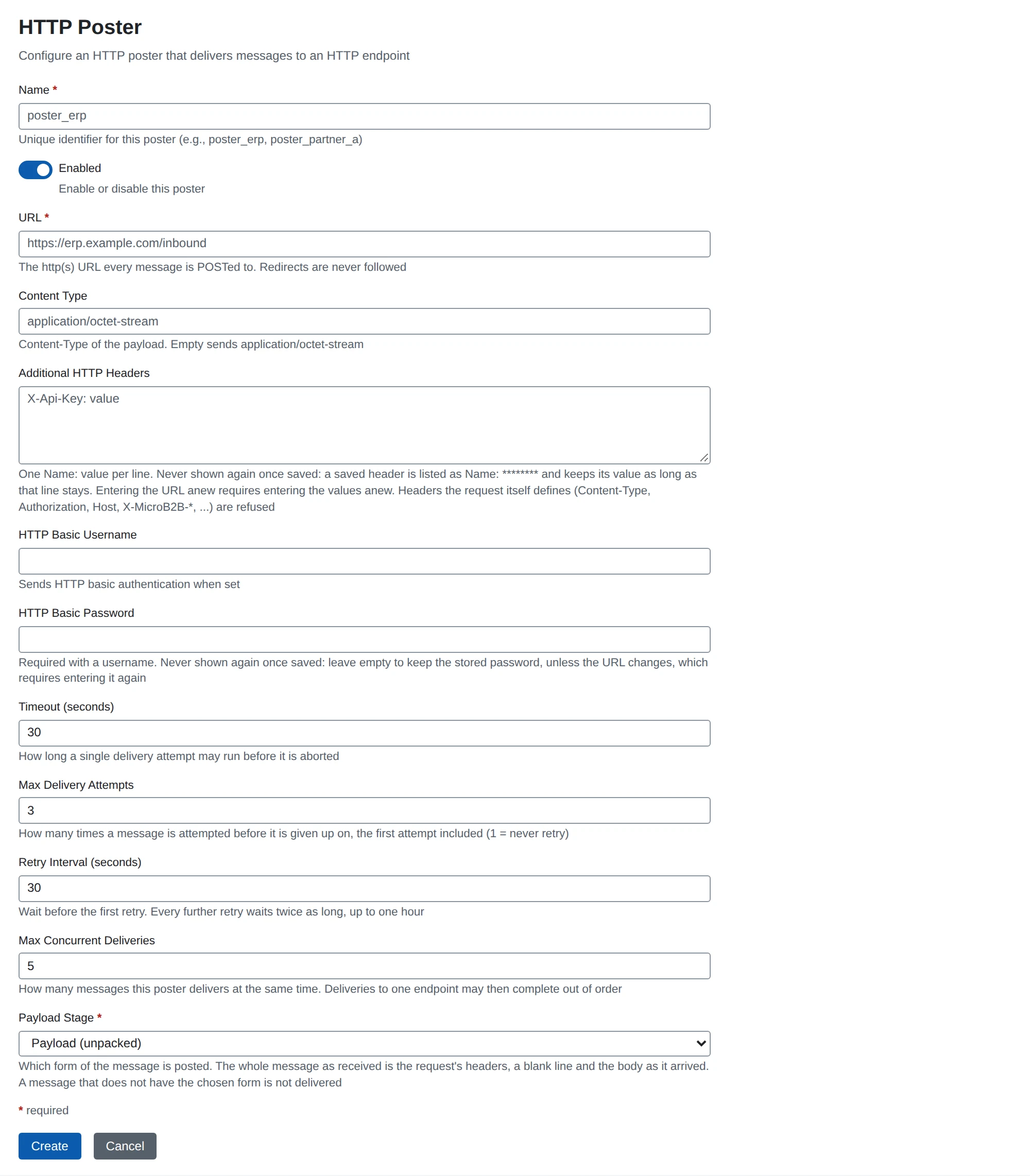
| Field | JSON | Default | Meaning |
|---|---|---|---|
| URL | url | (required) | The http(s) URL; redirects are never followed |
| Content Type | content_type | application/octet-stream | Content-Type of the body |
| Additional HTTP Headers | headers | (none) | One Name: value per entry; headers the request defines (Content-Type, Authorization, Host, User-Agent, Date, X-MicroB2B-*, …) and those the transport and the trace context own (Expect, Proxy-*, Connection, Traceparent, …) are refused. The values are write-only: never returned, shown as Name: ******** in the form |
| HTTP Basic Username / Password | basic_username, basic_password | (none) | Basic authentication; the password is never returned. The password and the header values are only kept while the URL is unchanged: a changed URL requires entering them again |
| Timeout (seconds) | timeout_seconds | 30 | Limit of one attempt |
| Max Delivery Attempts | max_attempts | 3 | Attempts including the first |
| Retry Interval (seconds) | retry_interval_seconds | 30 | Wait before the first retry; each further retry waits twice as long, up to one hour |
| Payload Stage | payload_stage | unpacked | Which stage is posted |
| Max Concurrent Deliveries | max_concurrent_deliveries | 5 | Messages posted at the same time (1 to 100); deliveries to one endpoint may then complete out of order |
Each request carries a Date of its attempt and X-MicroB2B-Message-Id, -Source, -From, -To, -Original-Message-Id (when known) and -Attempt. A 5xx answer, 408, 425, 429, a timeout or a connection failure is retried; any other non-2xx answer ends the delivery. A retry is stored with the delivery, so it survives a restart.
Watching messages and logs
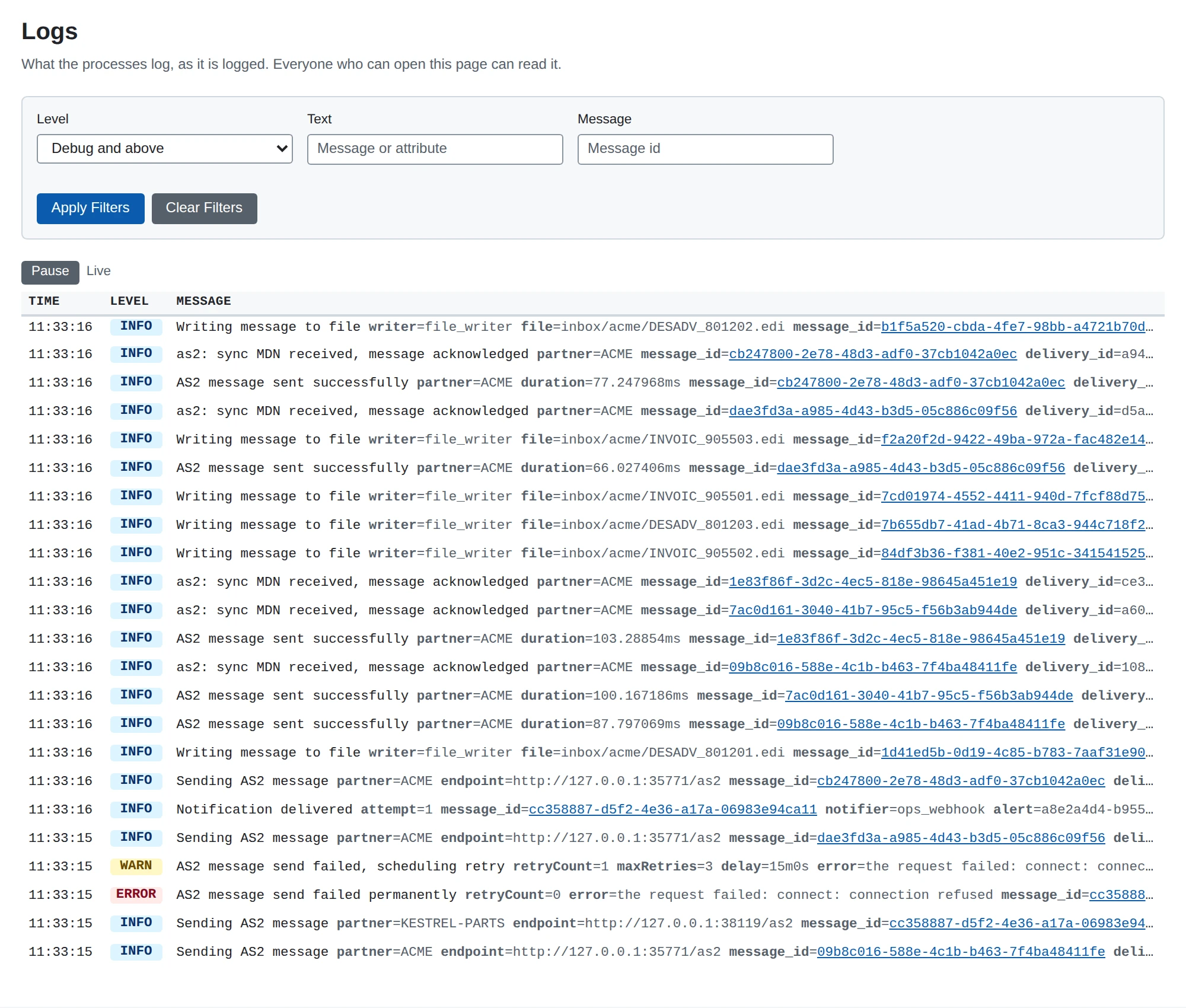
GET /api/v1/eventsis a Server-Sent Events stream of message history lines, resumable withLast-Event-ID(see the API reference). The web UI’s message list, message page and dashboard update live from the same events.- Logs in the web UI (
/ui/logs) tails the log records of every process connected to the message bus, newest first, at or aboveLOG_STREAM_LEVEL(defaultinfo; it cannot go below the process’sLOG_LEVEL).